
MyFitnessPal is a fitness app for tracking food, nutrition, exercise and progress.
MyFitnessPal remains one of the easiest ways to record food, calories, macronutrients, exercise and weight in one place. Its free plan is useful, but several convenience features—including barcode scanning—now require Premium. That changes the value calculation.
Our verdict: MyFitnessPal is worth using if you want a flexible food diary and will log consistently. Most beginners can start with the free plan. Premium is best for people who log every day and value faster entry, detailed macro controls and an ad-free experience. The app can improve awareness, but its numbers are estimates and it is not a substitute for a registered dietitian or medical care.
MyFitnessPal Review: Quick Verdict
- Best for: calorie and macro tracking, meal logging, recipe creation and habit awareness.
- Free-plan strengths: food and exercise logging, weight tracking, recipes, macro viewing, percentage-based goals, partner-app connections and printable web reports.
- Premium strengths: barcode and meal scanning, voice logging, macros by gram and meal, custom goals by day, food timestamps, data export, fasting tools and no ads.
- Main limitations: user-submitted database entries can be inaccurate, portion estimates create errors, and useful shortcuts sit behind a subscription.
- Price checked in August 2026: Premium is $19.99 monthly or $79.99 annually; Premium+ is listed at $99.99 annually. Prices and trials can vary by country and app store.
What Is MyFitnessPal?
MyFitnessPal is a nutrition and activity-tracking service available on the web, iPhone and Android. You set a goal, record foods and portions, and review calories, protein, carbohydrates, fat and other nutrients. You can also log exercise, weight and body measurements and connect supported health or fitness services.
The app is a tracking tool, not a diet program that guarantees results. Its usefulness depends on the quality of the food entry, the accuracy of the portion and how consistently you record meals.
Free vs Premium vs Premium+
The free version includes the essential diary: food and exercise logging, progress measurements, custom foods, meals and recipes, macro viewing, percentage-based calorie and macro goals, partner-app linking and a printable report on the website.
Premium adds convenience and analysis. Current features include barcode scanning, Meal Scan, voice logging, ad-free use, macros by gram, macros by meal, food analysis, quick-add macros, different goals by day, calorie goals by meal, food timestamps, data export, intermittent-fasting tracking and multi-day logging.
Premium+ includes Premium features and adds meal-planning tools such as a meal-plan builder, meal-prep mode, diet preferences and grocery-list functions. It is only compelling if you will actually use the planning layer; nutrition logging itself does not require the top tier.
How Accurate Is MyFitnessPal?
MyFitnessPal can be accurate enough for everyday self-monitoring when you choose reliable entries and measure portions. It cannot make an incorrect food listing or guessed serving accurate.
The company says its database combines foods added by MyFitnessPal with foods added by users. That breadth makes search convenient, but duplicate or incomplete entries are common. The app identifies some foods as verified, yet you should still compare calories, serving size and nutrients with the package label or a dependable source.
How to improve logging accuracy
- Weigh calorie-dense foods such as oils, nut butter, cereal and cheese when precision matters.
- Match the serving unit in the app to the unit on the label or scale.
- Prefer entries whose calories and macros match the official package.
- Create a personal food or recipe when no reliable entry exists.
- Remember that restaurant portions and exercise-calorie estimates can vary substantially.
Do not treat the calorie target as a medical prescription. Energy needs change with body size, activity, health, pregnancy and other factors. People with diabetes, eating disorders, kidney disease or other nutrition-sensitive conditions should get individualized guidance.
Does MyFitnessPal Work for Weight Loss?
It can support weight loss by making intake visible and helping users notice patterns. Logging does not itself burn calories, and the app cannot guarantee that its suggested target is right for every person. Results depend on a sustainable calorie deficit, food quality, sleep, activity, health and adherence.
The most useful approach is to look for trends instead of reacting to one day. Log honestly, review several weeks of weight data, and adjust gradually. Avoid trying to “earn back” every exercise calorie automatically because wearable and exercise estimates may be imprecise.
The Best MyFitnessPal Features
Food diary and saved meals
Recent foods, frequent foods, custom meals and recipes reduce repeated typing. This is the app’s strongest feature for people who eat similar breakfasts, lunches or meal-prep recipes.
Barcode Scanner
The scanner quickly looks up packaged foods with a phone camera, but it requires Premium. Always compare the returned result with the package because a barcode can occasionally point to an outdated or incorrect item.
Meal Scan and voice logging
Meal Scan uses a photo to suggest foods, while voice logging converts spoken meal details into entries. Both reduce friction, but the suggestions still require review. As of 2026, Meal Scan requires supported iOS or Android versions and English-language settings.
Goals, trends and export
Premium users can set more detailed macro and calorie goals, analyze meals and export nutrition, progress and exercise data. Export is useful for personal analysis or sharing a record with a qualified professional.
What We Do Not Like
- Database quality varies: user-created foods may contain wrong serving sizes or nutrient values.
- Barcode scanning costs extra: a shortcut once associated with calorie apps is now a Premium feature.
- Ads and upsells: the free experience can feel busy.
- Logging can become tedious: consistency is harder when every meal is different.
- Numbers can feel overly precise: portions, restaurant meals and exercise burns are estimates.
Is MyFitnessPal Premium Worth It?
Premium is worth considering if you log most meals, scan packaged foods often, want gram-based macro goals, need data export or strongly prefer an ad-free app. At the annual price of $79.99, the effective cost is about $6.67 per month. Paying monthly at $19.99 is much more expensive over a year.
Stay with Free if you mainly want a calorie diary, weight trend and basic macro view. Try the free tier first for two to four weeks. If logging becomes a durable habit and the missing shortcuts are slowing you down, Premium has a clearer value.
Premium+ is designed for someone who wants integrated meal plans and grocery assistance. If you already plan meals elsewhere, standard Premium is the more rational choice.
Safety, Privacy and APK Downloads
Nutrition records can be sensitive. Review the app’s current privacy settings, connected services and permissions before entering information. Remove integrations you no longer use.
Download MyFitnessPal only from its official website, Apple App Store or Google Play. Unofficial “Premium APK” files may be modified, outdated or malicious and can expose account or device data. A cracked subscription is not worth the security risk.
Calorie tracking is not suitable for everyone. If logging increases anxiety, compulsive checking or restrictive eating, stop and seek advice from a qualified health professional.
Frequently Asked Questions
Is MyFitnessPal free?
Yes. The free plan supports manual food and exercise logging, progress tracking, recipes, macro viewing and other core features. Barcode scanning and advanced analysis require Premium.
How much is MyFitnessPal Premium?
MyFitnessPal listed Premium at $19.99 per month or $79.99 per year when this review was checked in August 2026. Premium+ was listed at $99.99 per year. Confirm the checkout price in your country before subscribing.
Can MyFitnessPal calculate exact calories?
No. It calculates from selected database entries and serving amounts. Food labels, portions and energy-expenditure estimates all have uncertainty.
Is MyFitnessPal a workout app?
It can record exercise and includes some workout content, but nutrition tracking is its main strength. A dedicated training app may be better for programmed strength or coaching.
Final Verdict
MyFitnessPal is still a strong general-purpose food diary in 2026. Its broad database and flexible logging are valuable, while database inconsistency and subscription-gated shortcuts are the biggest drawbacks. Begin with Free, verify the entries you use, and upgrade only if Premium’s faster logging and advanced controls solve a problem you experience regularly.
This review provides general information and does not replace medical or nutrition advice.
MyFitnessPal Review: Practical Setup Checklist
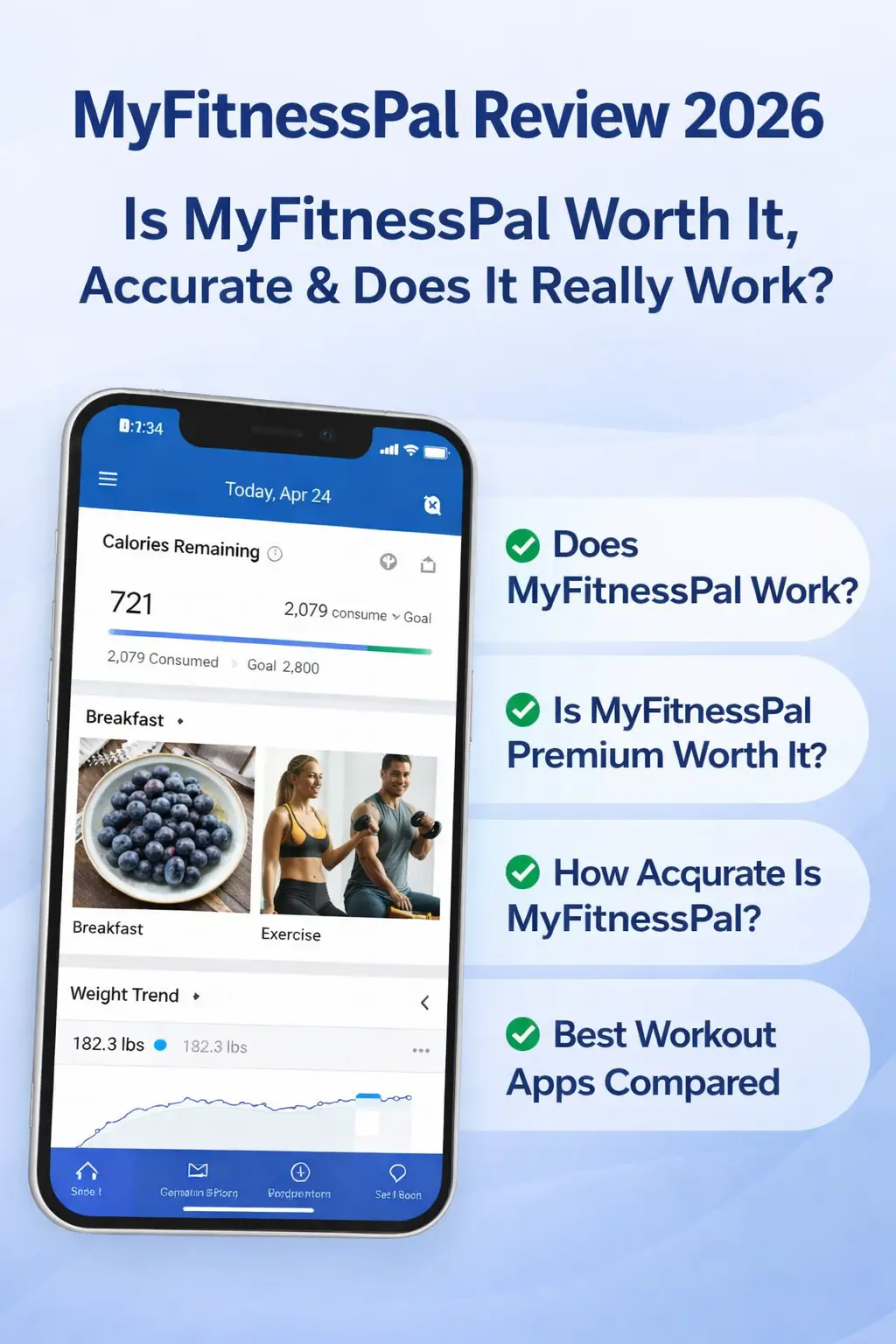
This MyFitnessPal Review recommends starting with a simple seven-day test before paying for Premium. Set a realistic goal, enter your current weight carefully and choose a moderate activity level. Then record every meal for one week without trying to make the diary look perfect. The goal is to learn whether MyFitnessPal fits your routine and whether its data helps you make practical decisions.
A useful first-week setup
- Verify your calorie and macro targets instead of accepting every default automatically.
- Create saved meals for foods you eat repeatedly so daily logging takes less time.
- Check packaged foods against the nutrition label before saving them as favorites.
- Connect only the health services you actively use and review their permissions.
- Review weekly averages rather than judging progress from a single day.
A careful MyFitnessPal Review also needs to consider the user, not just the feature list. Someone who regularly eats home-cooked meals may benefit from recipe tools, while a person who buys packaged foods may value barcode scanning more. Athletes may care about gram-based macro targets, but a casual user may need only the free calorie diary. These differences explain why Premium can be worthwhile for one person and unnecessary for another.
For related software coverage, browse our app reviews. Readers interested in the broader digital sector can also see our guide to the technology industry. For official instructions, subscription details and troubleshooting, consult the followed MyFitnessPal Help Center.
The conclusion of this MyFitnessPal Review is straightforward: use the free version long enough to establish a logging habit, verify important entries and upgrade only when Premium removes a specific recurring obstacle. That approach produces a better decision than subscribing before you know which features you will actually use.
MyFitnessPal Review: Who Should Choose Each Plan?
This MyFitnessPal Review favors the free plan for beginners who need basic logging. The MyFitnessPal Review finds Premium more useful for daily barcode scanning and detailed macro targets. For meal planning, this MyFitnessPal Review considers Premium+ only when grocery lists and structured plans will be used consistently.
Budget-conscious readers should use this MyFitnessPal Review as a decision guide: begin free, measure how often you log, and note which paid shortcut would save time. The MyFitnessPal Review does not recommend paying merely because a feature exists. Instead, the MyFitnessPal Review recommends upgrading when faster entries or exports solve a real weekly problem.
Finally, every MyFitnessPal Review should emphasize that food tracking is an estimate. Use the MyFitnessPal Review findings alongside package labels, sensible portions and qualified professional advice when needed.
Fitness App Features That Matter Most
A useful fitness app should make repeated meal entry fast, explain trends clearly and give users control over connected data. MyFitnessPal performs well in these areas, although database verification remains the user’s responsibility.